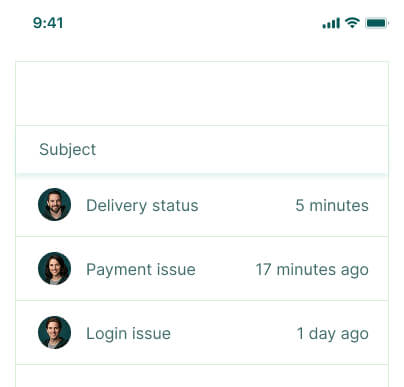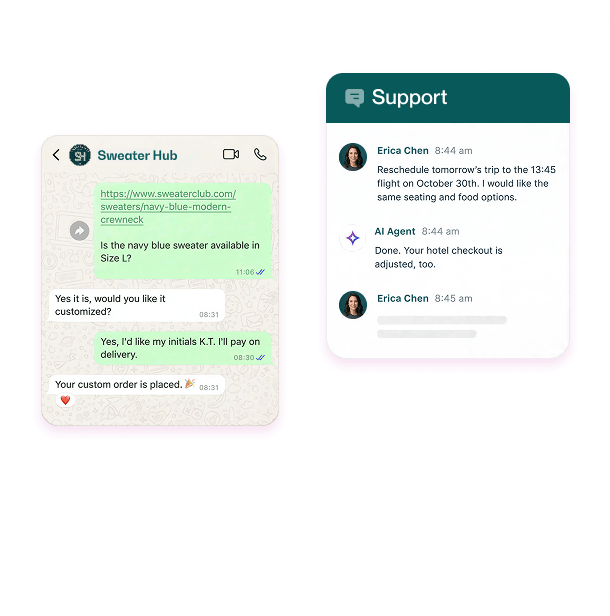

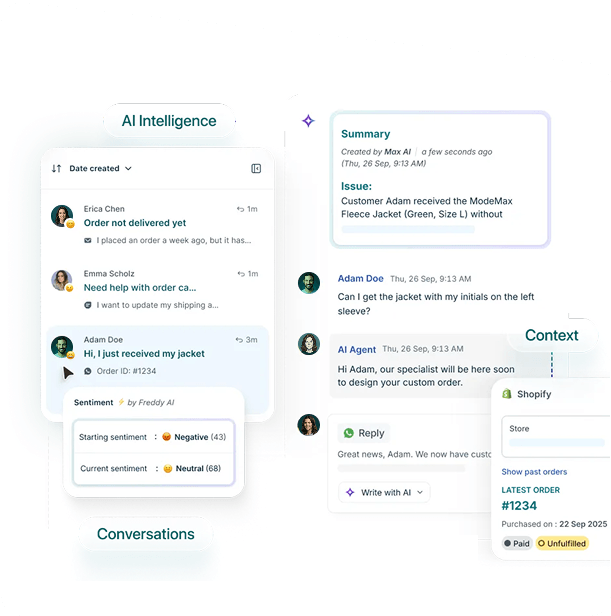








Sastik Help Desk centralizes customer conversations in a shared inbox, letting your team manage and respond to email and live chat tickets, collaborate internally, automate tasks, and track performance all from one platform.

Your team stays organized and productive every day.
Free 15-day trial
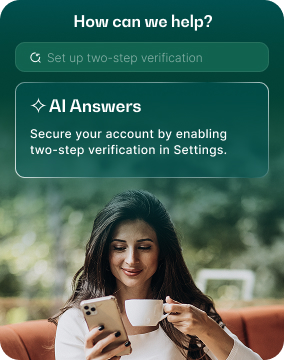
Channel integration


Save Support Costs

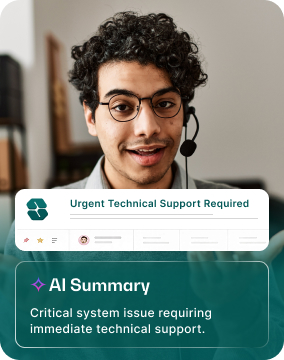








Provide outstanding customer support with quick responses, smooth workflows, and efficient team coordination.
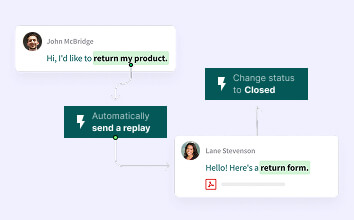
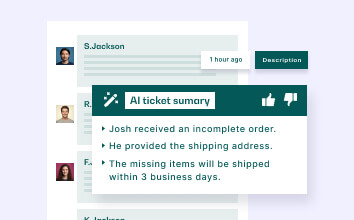
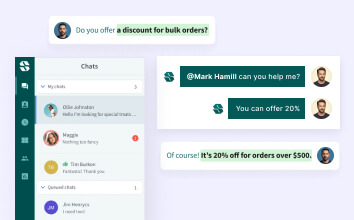

Cut repetitive service tasks and boost efficiency with simple, built-in ticketing automation.

Cut repetitive service tasks and boost efficiency with simple, built-in ticketing automation.

Cut repetitive service tasks and boost efficiency with simple, built-in ticketing automation.

Cut repetitive service tasks and boost efficiency with simple, built-in ticketing automation.

Cut repetitive service tasks and boost efficiency with simple, built-in ticketing automation.

“Sastik Help Desk helps our team resolve tickets quickly, stay organized, and keep customers satisfied at all times, ensuring smooth workflows.”


"Sastik Help Desk automates nearly 70% of our repetitive tasks, letting our team focus on complex issues and improving customer satisfaction."

"Since adopting Sastik Help Desk, our team resolves issues faster and more efficiently, leading to happier clients and a 90% revenue increase."


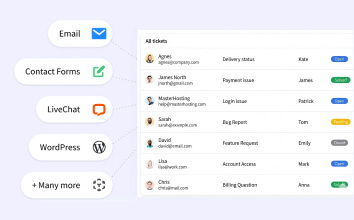
Easily connect and integrate with hundreds of apps to streamline your workflows and keep everything in sync.





Active Users Worldwide

out of 5 by Users

Powerful Integrations


|
Free Plan $0 15 Day Trail | Standard Plan $70 $600 /Monthly | Pro Plan $120 $900 /Monthly |
|---|---|---|---|
| One Brand Messenger |

|

|
|
| Multi-Brand Messenger |
|
|
|
| Shared Inbox & Ticketing |
|
|
|
| Public / Private Help Center |
|
|
|
| Reporting / Analytics |
|
|
|
Still can’t find the answer here? Reach out to our support team and we’ll be happy to assist you.
Sastik Help Desk centralizes customer conversations in a shared inbox, letting your team manage and respond to email and live chat tickets, collaborate internally, automate tasks, and track performance all from one platform.
Yes. You can start a free trial of Sastik Help Desk with no credit card required. Explore core features like ticket management, shared inbox, and automation to see how it works for your team before upgrading.
Yes. Sastik uses industry-standard security practices to protect your data. All customer and support information is securely stored, and access controls ensure only authorized team members can view or manage sensitive data.
Absolutely. Team members can assign tickets, add internal notes, and work together in real time. This makes collaboration seamless and helps resolve customer issues faster and more accurately across teams.
Yes. Sastik fully supports both email and live chat, allowing you to easily manage all customer conversations efficiently from one single centralized inbox so nothing ever gets missed or overlooked.
Your team can get started in just a few short and simple minutes without any hassle. Setup is simple, with no complex configuration required, so you can begin receiving and responding to customer requests right away.
Automate tickets, resolve faster, happier customers.